众潮科技6款鞋做限时促销啦!支持1件定制,1件起订,1件代发48小时和72小时货发全球

全印毛绒棉拖

48小时中国发货|促销单价:¥32.00|原价:¥36.00

黑色全印加绒洞洞鞋-批量单价可议

72小时中国发货|活动单价:¥45.00

白色全印加绒洞洞鞋-批量单价可议

72小时中国发货|活动单价:¥45.00

经典款飞织鞋

48小时中国发货|促销单价:¥54.00|原价:¥61.50

软底飞织鞋

48小时中国发货|促销单价:¥54.00|原价:¥61.40

刀锋底飞织鞋

48小时中国发货|促销单价:¥58.00|原价:¥60.30

冬季2款暖脚鞋做促销啦!48小时发货和72小时货发全球

您好,尊敬的POPCUSTOMS用户,本周众潮科技为您推出2款冬季做促销的暖脚拖鞋请查收:

全印毛绒棉拖|48小时发货

促销单价:¥36.00,原单价:¥41.00

鞋底材质:TPR,尺码范围:35~47

产品特色:非常轻便的棉拖设计,鞋底采用EVA材质,并且做防滑设计,薄且有弹性;毛绒面料保暖透气,为双足提供良好的保暖。

黑色全印加绒洞洞鞋-批量单价可议|72小时发货

活动单价:¥45.00

产品材质:EVA,尺码范围:36~48

产品特色:采用EVA材质的洞洞鞋,搭配黑色加绒内里,同时拥有传统洞洞鞋的透气舒适,又能提供秋冬季所需的保暖;材质轻盈耐用,具有良好的柔韧和回弹性能,能有效减震。

众潮科技本周新品上架通知

尊敬的客户:

您好!本周众潮科技为您上架新的产品,并且由美国工厂生产并直发,支持1件定制,1件代发,以下是产品信息,请知晓:

📢⚠️Important Price Update Effective Oct 24st, 2025–Please Read Carefully

Dear Partners & Friends,

To offset rising peak-season freight costs, all product base prices will increase by $1.40 per unit starting Oct 24st, 2025.

Sellers are advised to review and update published retail prices before this date to maintain desired margins.

Thank you for your understanding and cooperation.

Best regards,
PopCustoms Team
business@popcustoms.com

📢❗2025 Chinese National Day Holiday Notice

Dear Customers / Artists,

We sincerely thank you for your continuous support and trust in POPCUSTOMS.

And inform you that our holiday timeframe of the National Day:

1 Production: The factory will be closed from Oct 1st to Oct 3rd with no production. Orders placed before Sep 26th can be shipped by Oct 4th. Some factories will be closed from Oct 1st to Oct 6th. Please click here to view the products handled by these factories.

So orders placed between Sept 26 and Oct 3 will be delayed by 3-6 days. Please note and infrom to your customers!

2 Shipping: Standard shipping will be suspended from Oct 1st to Oct 3th. Normal shipping will resume on Oct 4. Express shipping is closed from October 1st to Oct 6th.

3 Office: Our office team are going to have a holiday from Oct 1st to Oct 8th. (8 days total)

Our customer service team is on duty at fixed times daily, and will check the INQ from time to time during the holiday. But there may still be a delayed response, please wait more a while.

During this period, you can still place orders as usual, and we will process them promptly.

If you need tracking numbers in advance, please contact us. Our customer service team will be on duty. Please leave us a message, and we will respond as soon as we see your inquiry. (Messenger/Facebook/lnstagram/business@popcustoms.com)

Our team will do everything possible to minimize any inconvenience caused by these delays. Thank you for your understanding!

STAY IN TOUCH!
business@popcustoms.com

📢❗Important Update: MJJ24 Change & MJJ6/MJJ7 Hats Discontinued

Dear sellers,

US-Made Canvas Shopping Bag: The printable area has changed. All over design are no longer supported—only partial-area printing is available. Please adjust your artwork to the new zone, and delete old version you’ve already synced.

And we regret to inform you that due to material shortages, we have to discontunue US-Made Hats.

Update your listings now to avoid misprints and out-of-stock sales. We’re actively developing new products to better serve your business. In the meantime, don’t miss out our New Products

Stay in touch!
business@popcustoms.com

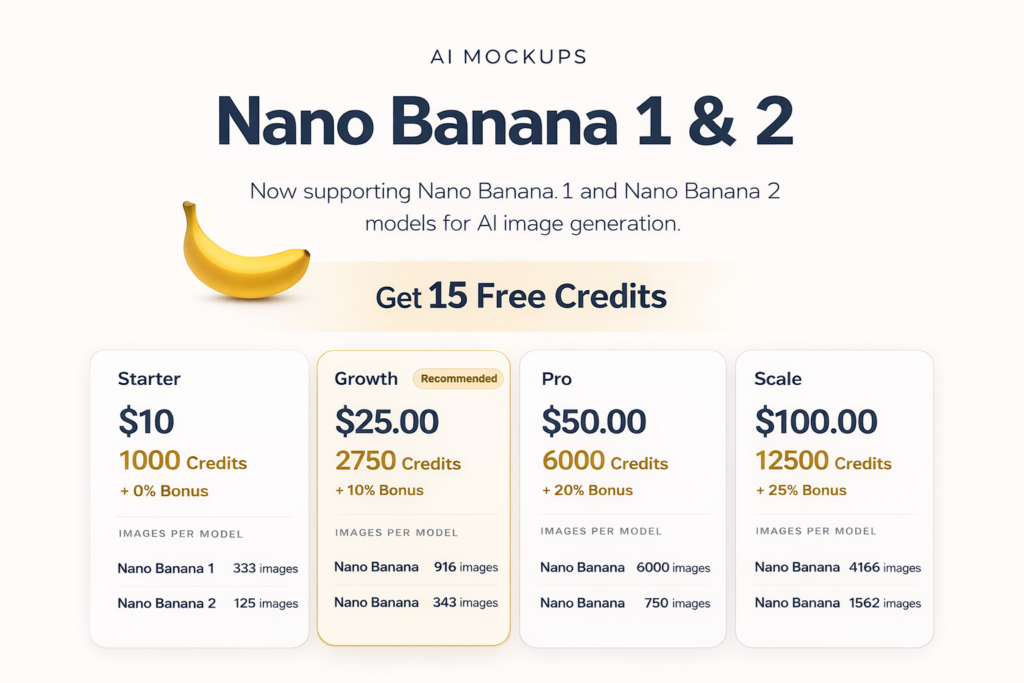
Q: How to get AI API Key for Your AI Services

You can use https://openrouter.ai/ as the provider of Your AI Service. But currently we support “Gemini 2.5 Flash Image Preview (Nano Banana)” model only to create your AI mockups. You’ll sign, buy credits and get api key from openrouter to use AI mockups at popcustoms.com.

Here is the step-by-step tutorial:

1, select gmail to sign in. It’ll sign you up if the account doesn’t exist.

2, grab api key

Profile (right top) -> Keys -> Create API Key

fill popcustoms as name and then hit create

copy and paste into popcustoms

3, back to openrouter, you’ll add credits to openrouter

an image is about $0.0395

4, Check the credit usage activities

5, for advanced users, you can bring your own keys into openrouter.

openrouter is using google AI studio and google vertext as providers of the Gemini 2.5 Flash Image Preview aka, nano banana.

You can get api key from google, and then paste into openrouter BYOK

📢❗Discontinuation of Mesh Trucker Hats – Effective September 5th📢❗

Dear Partners & Friends,

We regret to inform you that, due to material shortages, we have had to discontinue mesh trucker hats from our catalog (SKU: PJ7), effective September 5th. We understand that this change may impact your store, and we sincerely apologize for any inconvenience this may cause.

We truly appreciate your continued trust and support. If you have any questions or need further assistance, feel free to reach out.

Stay in touch!
business@popcustoms.com

What should I do if “sold out” appears after syncing my products to my Shopify store?

Please make sure the POPCUSTOMS fulfillment location has a valid shipping profile.

Go to Settings > Shipping and Delivery in your Shopify admin.

Choose “Use rates from another location”, or

Create new rates for the POPCUSTOMS location.

How to Set Up Shipping Rates?

For detailed instructions on setting up shipping rates, please refer to this article:
How to Set Up Shipping Rates

Logo Template Guide

What is the Logo Template?

This feature lets you create templates with your logo. Once applied to designs, all their images are automatically branded—no manual editing needed. It ensures consistent branding and greatly improves efficiency for large design catalogs.

How to Use it

1. From the left-side menu, select “My Designs.” Then, click the “Logo Templates” button in the top right corner to view the templates.

2. Click “Create Logo Template” to start creating your own logo template.

3. Design your logo on the canvas by uploading an image or adding text. When you’re finished, click the “Next” button to proceed.

4. On this page, you can adjust the logo’s position and size on the design rendering. To see how it looks on other designs, click the “Replace rendering” button. Click “Save” when you’re ready.

5. Enter a name for your logo template, then click “Confirm” to save it.

6. Once saved, you’ll be back on the list. Click “Bulk Apply” to quickly apply the logo to multiple designs.

7. Check the designs you want, then click the “Apply” button to apply the logo.

8. Check the design mock-up below. You’ll see the logo has been applied.